Gap to brief
Opportunities come from your own scan data, not a generic keyword list.
Platform
Pick a prompt where competitors appear and you do not. The content agent drafts a brief and an article, you review, and it publishes to your site on a schedule.
How it works
01
Opportunities are active prompts where a competitor is named and you are not. Pick one, or enter your own keyword.
02
The agent builds a brief and writes the article in Markdown with title, slug and meta description.
03
Edit, approve and choose a publish date on the calendar.
04
Publish to WordPress or send a webhook to your own pipeline. Autopilot can draft one article a day from your top opportunity.
Capabilities
Opportunities come from your own scan data, not a generic keyword list.
Title, slug, meta description and body, ready to edit.
Plan the week and see drafts, scheduled and published articles at a glance.
Publish to WordPress, or post JSON to any endpoint you control.
Paste a URL, get a rewrite and review a line-by-line diff.
One draft a day from your top opportunity, on plans that include it.
In depth
Calendar
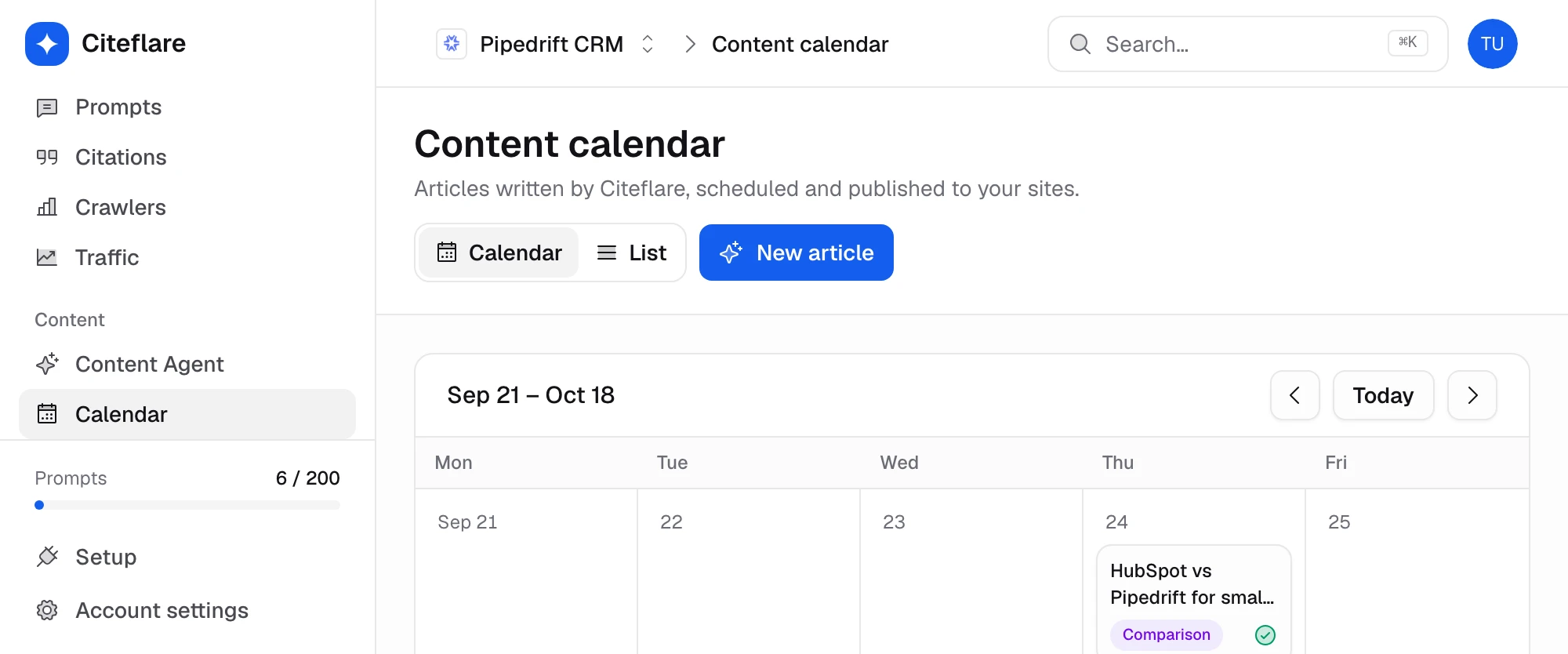
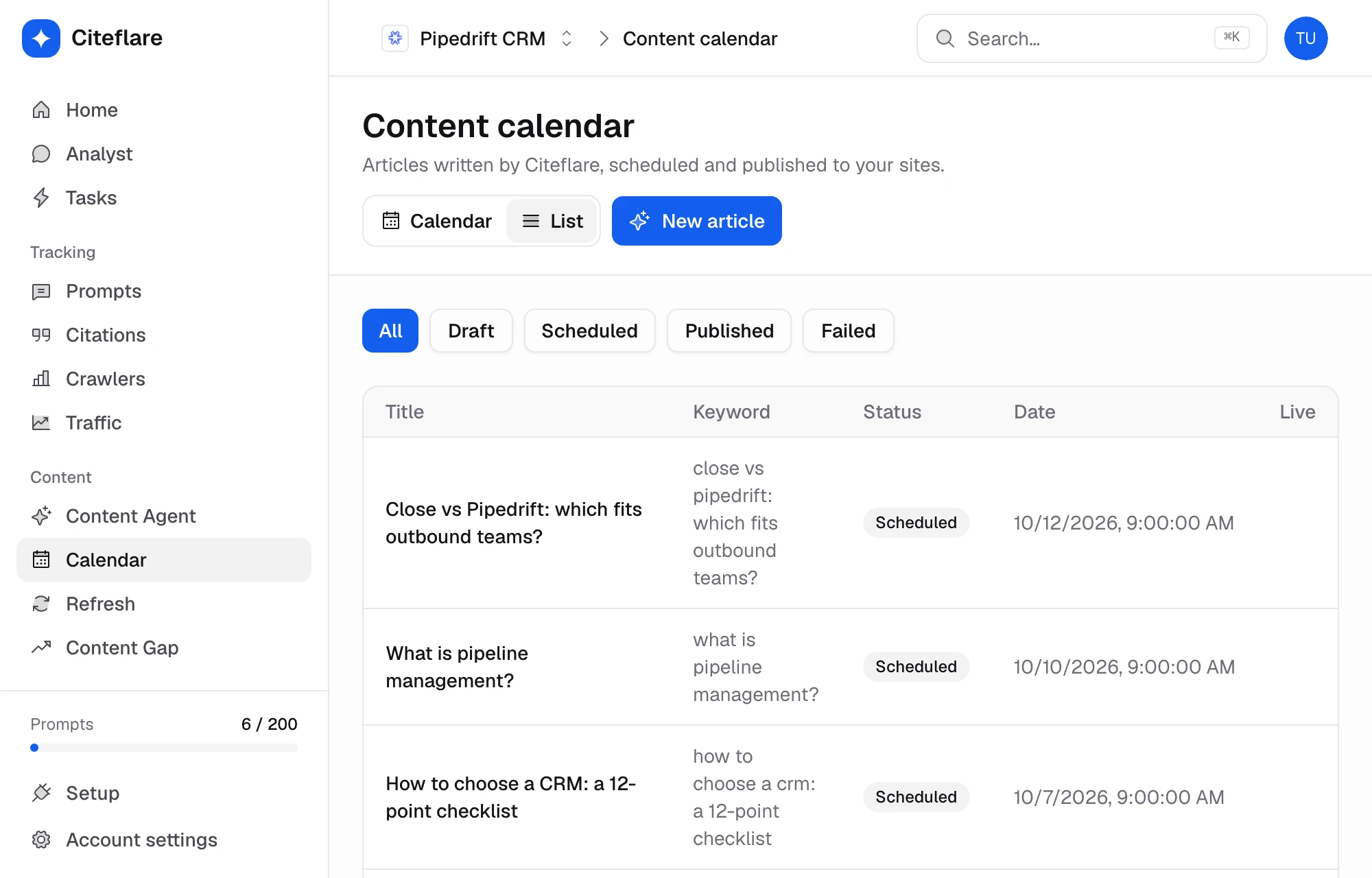
Each article chip shows its title, type and status, so you can see what is published, what is scheduled and what still needs review.
Refresh
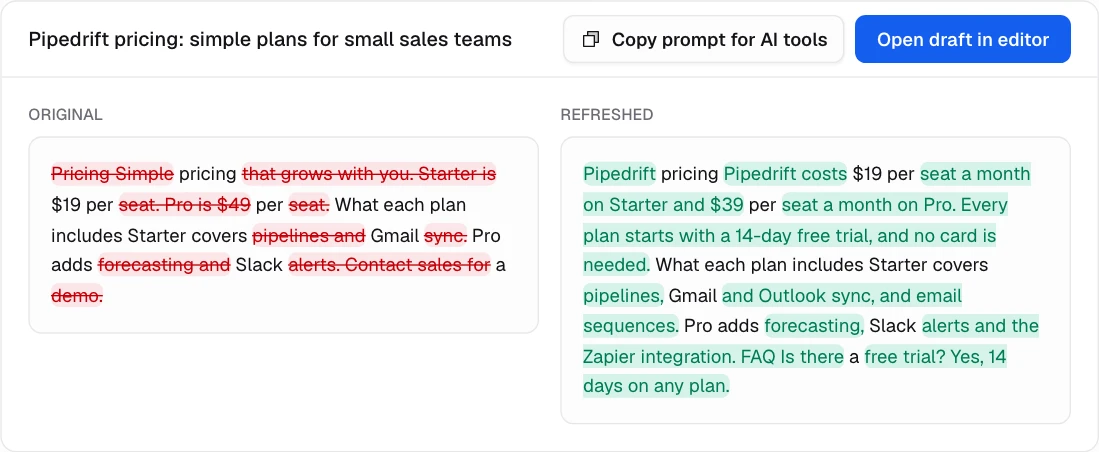
Paste a URL and the agent rewrites it against current gaps. You get a side-by-side diff with deletions and insertions, so nothing changes without your say.
Publish
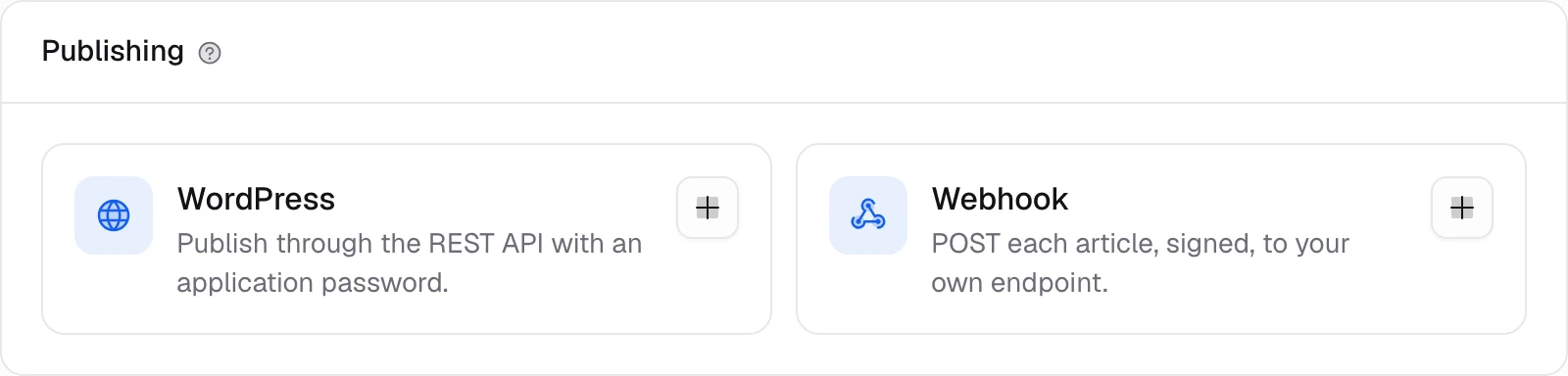
Connect WordPress, or add a webhook that receives the article as JSON. Failures are recorded on the article so nothing is lost silently.
Metrics
Related
Track the prompts your buyers ask AI. Citeflare scans ChatGPT, Claude, Gemini, Perplexity and Google AI Overviews every day and records mentions, position and sentiment.
Measure how often AI engines name you versus competitors. Share of voice, a heatmap by engine and competitor suggestions pulled from real answers.
Ask Citeflare’s agent about your visibility, citations and competitors in plain English. Run skills like a weekly recap and get answers grounded in your own scan data.
Faq
There is no guarantee. Citeflare drafts from your data and you review before anything is published. Track the prompt afterwards to see if it moved.
Yes, unless you turn on autopilot. Autopilot drafts one article a day; publishing still goes to the integration you chose.
WordPress and webhooks. Other platforms can receive the webhook payload.
Starter includes 5 a month and Growth includes 30. See the pricing page for the full list.
Yes. Paste the URL, review the diff and publish the new version.
Monthly or annual plans. Cancel any time.